Replacing a Color in Aseprite Across Multiple Frames / Single or Multiple Layers
asepriteartpixel art
Color Replace All Frames/Layer
Select all frames for the layer you are on by either clicking and dragging over the frames you want to replace on or just clicking the name of the layer to select all frames on that layer
Select a color to replace with the Eye Dropperi tool (the starting color) I also have mine set to right click
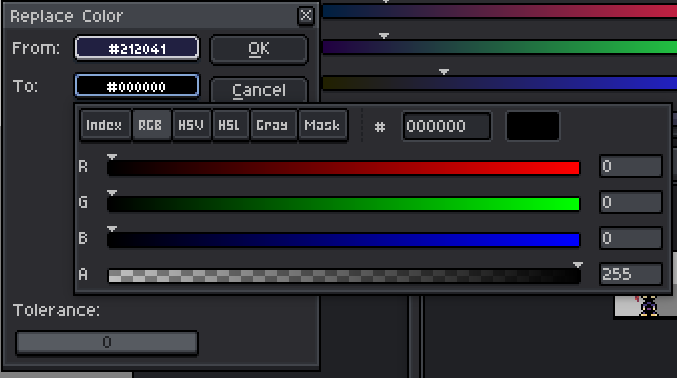
Then bring up the Edit → Replace Color…Shift + R dialog and click the To color: